> For the complete documentation index, see [llms.txt](https://help.tahua.io/llms.txt). Markdown versions of documentation pages are available by appending `.md` to page URLs; this page is available as [Markdown](https://help.tahua.io/knowledge-base/administrator-help-guides/contracts/contract-templates/contract-signatories/funder-applicant-contract.md).
# Funder - Applicant Contract
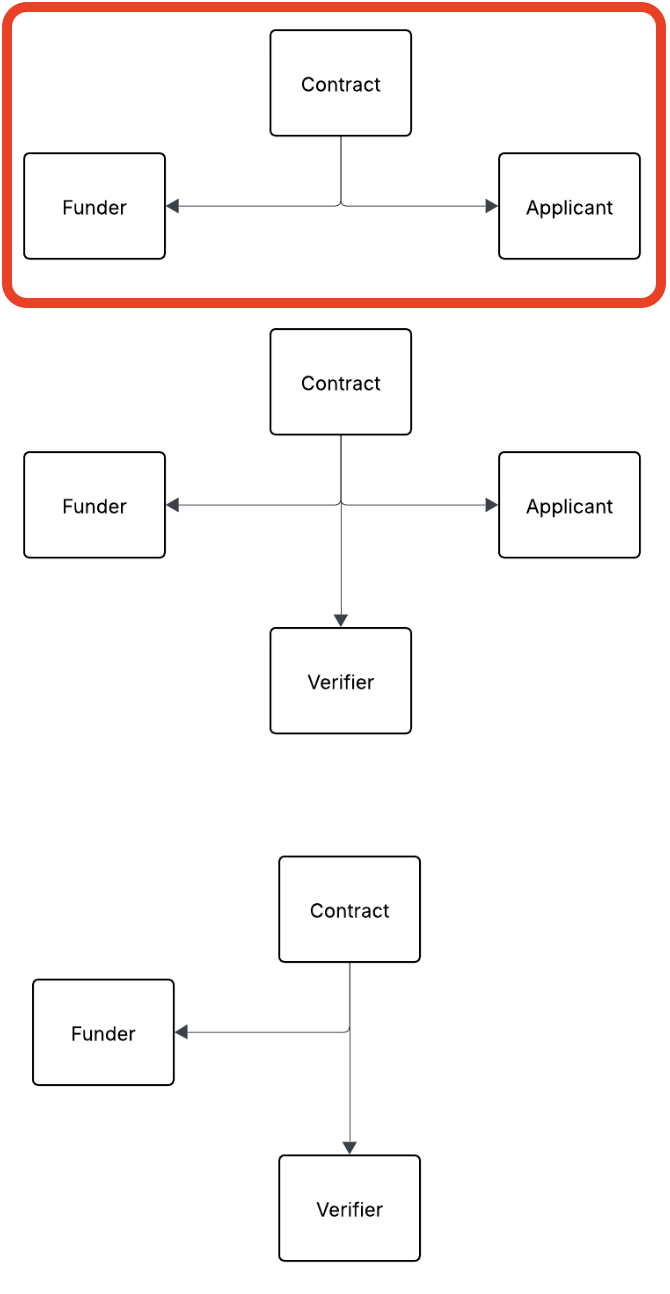
This article details how a Contract works that needs to be signed by a Funder (the Organisation) and an Applicant.
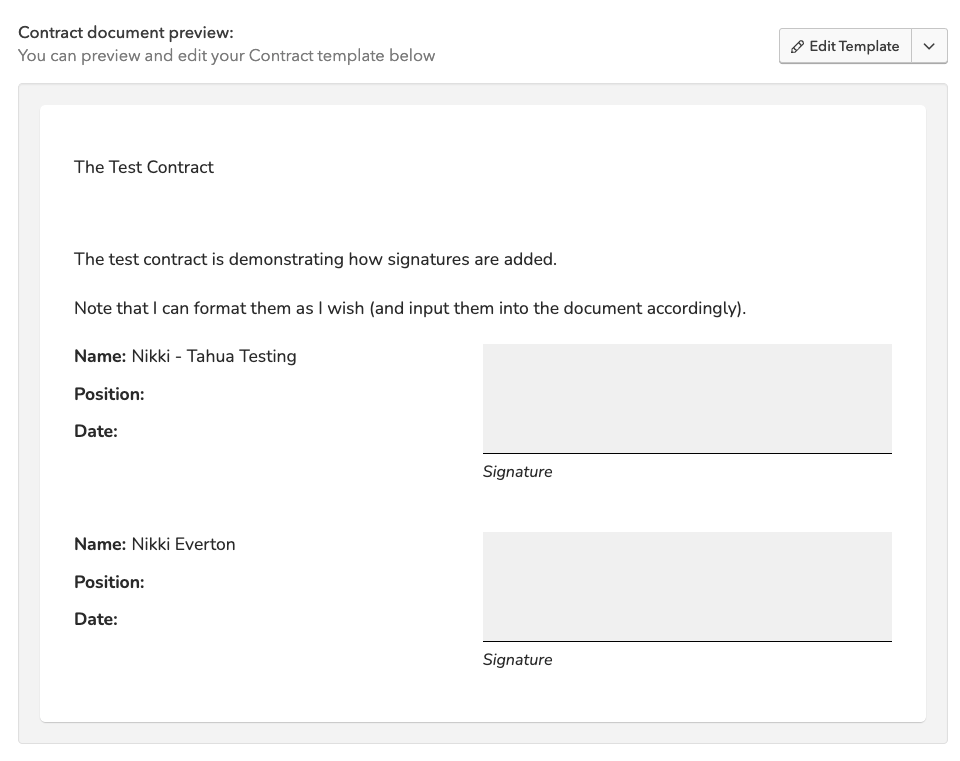
When you are setting up your Contract template, you can add in the relevant Signature Blocks by using "personalisations".
The Contract workflow will also request that you select what Signatories you wish to sign the Contract. It is these signatures that will then be inputted into the signed Contract. You can select more than one signatory, if appropriate, to sign the Contract (e.g. multiple Admin signatories from the Funder and/or Applicant side if they were an Organisation).
This results in the Contract looking like this. The electronic [Signing a Contract](/knowledge-base/administrator-help-guides/contracts/signing-a-contract.md) process then ensues.